Articulo
How to Unzip and Upload PayPhone WHMCS Module
The file "payPhone.zip" must be right clicked and click "Extract Here" (we use WinRar). 2. Open the created folder payPhone. 3. The "payPhone.php" file and the "callback" folder must be uploaded to your whmcs instal...
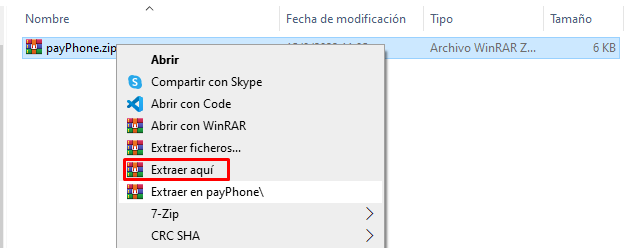
- The file "payPhone.zip" must be right clicked and click "Extract Here" (we use WinRar).
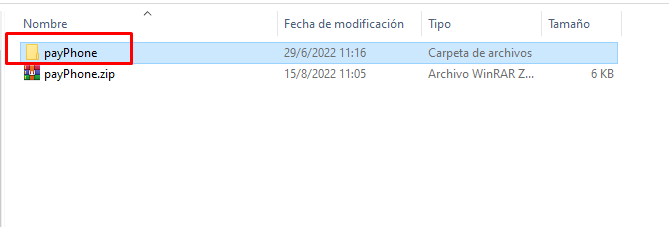
2. Open the created folder payPhone.
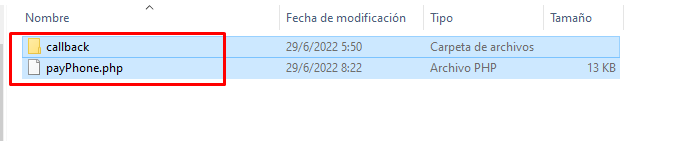
3. The "payPhone.php" file and the "callback" folder must be uploaded to your whmcs installation path: /whmcs_installation/modules/gateways